
CRM Security is a vast topic but it is also one that needs to be addressed. It may be tempting to bury your head in the sand and hope for the best, but you do need to give it some thought — so in today’s article we’re going to break it down into manageable chunks.
CRM Security is about finding a balance that lets your team go about their day-to-day safe in the knowledge that appropriate security levels are in place. We’ll break this into three definite areas: People, Data, and System.
- CRM security comes down to three areas: People, Data, and System.
- Each stakeholder group — customers, staff, managers, and admins — needs a different level of access.
- Getting the balance right means enough safety without compromising day-to-day usability.
- Social engineering is a growing threat — validate who you’re really talking to before sharing anything sensitive.
- Your CRM’s permissions model should mirror your organisation’s real hierarchy.
Let’s Go Shopping
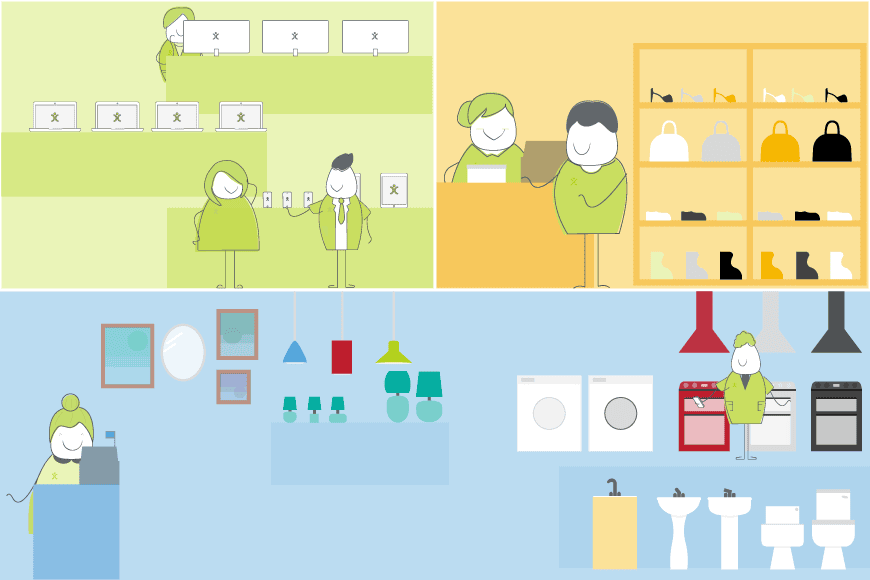
To illustrate the story, let’s reinvent your software as a department store and consider the CRM security that needs implementing in that environment. My department store has those same three attributes as your CRM system:
- The People are your stakeholder groups: management, members of staff and customers.
- The Data is all the information you store — customer details, product inventory, supplier details, and so on.
- The System is your physical buildings, ranging from the locks on the doors to the shop itself, storage rooms and offices.
Let’s look at how each stakeholder group interacts with the department store, and how that compares to the CRM security measures and permissions you need to consider.
Your Customers
When the shop is open, people can come in and look around. They can see the goods and the prices; some higher-value goods require a member of staff to unlock a cabinet to show the item.
In CRM terms, this is simple: the general public doesn’t possess the information required to log into your system. They can only see the data you’ve marked as customer-facing — for example, through a portal. Customers can log into that portal to view their sales history and log tickets with your support team. Data visibility is restricted to their own information; they cannot see anything relating to other clients, and most system modules are entirely off-limits to them.
Standard Users
Your front-of-house staff all have an ID that lets them into the building — like the username and password your team uses to log into the CRM. As well as walking around the customer-facing areas, they can go behind the counters and into the warehouse, checking stock and processing sales.
In CRM terms, these staff can log in (with Multi-Factor Authentication if you want heightened security), view and update customer records, and log sales — perhaps even apply discounts within reason. But they can’t edit your product data itself, or see your buy prices. Sales staff won’t need to see the Helpdesk area the Support department uses, and none of them can see Personnel data beyond, perhaps, their own record.
Line Managers
Your management team needs to know everything happening with the sales team — that’s where line managers come in, explaining how the team puts the corporate vision into practice. They can access the shop front, warehouse, canteen and staff parking, but tend to spend their time in the offices upstairs.
In OpenCRM terms, your managers can access and create activities for all members of their team — working out staffing rotas, for example — which means they need a comprehensive overview of personnel data, and far more module access than the sales team.
Inventory Managers and CRM Security
You have a team that looks after what’s on the shelves — deciding what to buy, inputting product and price details from suppliers, and setting sell prices. These are your data admins.
They’ll be permanently updating product lists, altering buy prices, and inputting supplier details — as well as updating the system itself, modifying picklists and adding custom fields. This needs a profile quite different from the previous groups: less concerned with customer or personnel data, so access to those modules can be restricted.
Senior Management
You need a person or team with an overview of everything going on — reviewing sales and performance, keeping tabs on finance, and overseeing the business plan. They have the keys to the boardroom and the company accounts.
In your CRM, these are the system super admins. They have access to all data and all configuration — if anything needs altering, or a staff member needs to be added or locked out, they can do it right away. Using permissions at module and field level means you can streamline the system so the right people have access to the right information.
A Few Words on Social Engineering (Look Before You Leap)
As well as addressing internal security questions, you need to look beyond your own four walls and consider the wider world. Social engineering fraud is becoming more prevalent in the business world — even if you think your business is relatively niche, you may be surprised.
With the rise of video and screen sharing over the past couple of years, it has become incredibly easy for someone to engage in a conversation and share a link in the comments that someone else might click on.
Protect Yourself
It’s worth being prepared for such scenarios. Here at OpenCRM, we use a variety of methods to be certain that the person we are speaking to really is who they say they are. Sometimes this can cause short-term irritation for the end-user, but when people understand it’s their entire business database that might be at risk, they see why we err on the side of caution.
“Validate everything and everyone, everywhere.”
Your Business and CRM Organisational Structure
As you can see, there are parallels in how the hierarchy in your organisation needs to be reflected in your CRM set-up. There’s quite a lot to think about when setting this up.
Your CRM security model needs to offer the appropriate level of safety without compromising on usability. As you’re likely to have a remote workforce also using and interacting with the system, it’s important to get your permissions model in place when setting up your CRM.

Ready to bring structure to your team?
See how OpenCRM can fit around the way your team already works.
Start your free trial