
Workflow — particularly a smart CRM Workflow — is one of those features in OpenCRM that we talk about all the time. I won’t go so far as to say it’s a “cure-all”, but it’s certainly one of those features that has the potential to be incredibly powerful. In some ways, workflow is really like having a management assistant embedded in your CRM system.
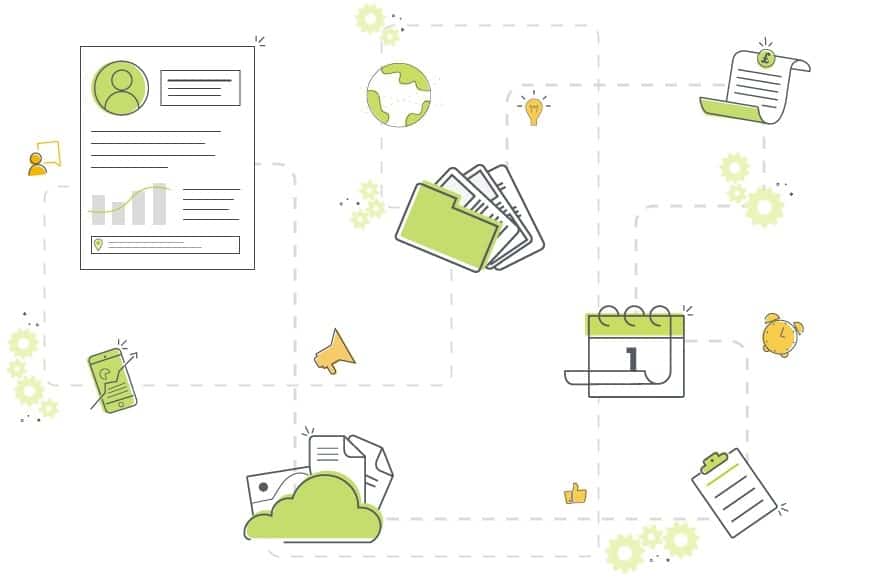
- Workflow is a collection of tools that automate tasks based on changes in your CRM system.
- Think of it as an extra user whose only job is the mundane tasks everyone else forgets or avoids.
- It can update records, set warnings, create reminders, send notifications, and clean up outdated data.
- A single piece of Workflow can trigger dependent, cascading Workflows for more complex processes.
- It applies just as well to project delivery as it does to sales pipeline management and GDPR data retention.
Do You Really Need Workflow to Manage Things?
Workflow is a collection of tools that let you automate certain tasks based on changes in your CRM system. Think of it as having an extra user within your CRM — one that exists only to do the mundane tasks that everyone else doesn’t want to do, or just forgets about. Workflow can:
- Update records
- Set warnings
- Create reminders
- Send notifications
- Delete outdated data
- Generally support the management of your CRM
Short answer: no, you don’t strictly need it — in the same way you don’t need copy/paste on your mobile, or a timer on your oven. It’s not that these tools are essential, but without them the workload for your whole team increases, made up of lots of small jobs done over and over again. Those repetitive jobs are both mind-numbing and essential, and easy to forget for anyone whose job isn’t focused entirely on them.
Workflow for Project Management
This isn’t one specific example — it’s an amalgamation of several project management workflows we’ve either set up or seen in use. Say we have a particular type of project that always has the same general task list, and those tasks need completing by a set date.
We set up the workflow to trigger when a Project has a particular type — say, “version release” — but we don’t want it to kick off until the release date has been finalised, so we add a second condition: the status must move from “planned” to “scheduled”. Only Projects with both fields set will actually trigger the Workflow.
Trigger an Action Plan
As soon as a Project with that type is saved, a flurry of Activities is created via an Action Plan. Each is assigned to the correct person and scheduled based on the “Target End Date” — 2 days before, 4 weeks before, and so on.
Notify the Team
A notification is sent to an MS Teams channel, alerting the whole team who usually works on these types of Projects.
Cascade to Subprojects
Linked subprojects can be updated to a particular status and other fields — for example, copying the “Target End Date” into a dedicated “Release Date” field once the main Project’s status changes to “In Beta”. From there, further Workflow can add warnings or send notifications to subproject managers.
A single piece of Workflow can do a lot of management support on its own — but it can also trigger dependent or cascading Workflows for genuinely complex processes.
Keeping Sales on Track with Workflow
CRM systems run on data and details — the more, the better. Sales teams run on building relationships. CRM systems are great for documenting and supporting those relationships, but only when the data actually gets entered — and that’s where it often falls down.
Little things like sending notifications when information is missing, or adding warnings when an email address bounces, go a long way toward keeping people on track. One of the bigger wins is the ability to copy information from one record to another automatically.
Say your Company record is mainly useful to the accounts team, while sales relies exclusively on individual Contacts. You still want salespeople to have relevant information easily accessible, without expecting them to check the Company record themselves.
Copy Key Fields Automatically
Set a trigger on the Company record for whenever the balance field changes — as soon as it does, specific fields (balance, overdue balance, credit limit, account status, assigned account manager) are copied across to the linked Contacts, so your sales team knows the situation and who to talk to about it.
Alert the Salesperson Directly
A dependent workflow can set a warning or send a notification to the salesperson when specific values are hit — for example, if the overdue balance is greater than £2,000 and the account status is “first warning”. Now it’s not about waiting for your sales team to notice a change; they’re alerted directly the moment a customer is in trouble with accounts.
Data Retention
Automatically triggering data retention rules — an extra powerful bit of workflow — is an essential part of your account management process for GDPR requirements. Getting rid of personal data that’s outdated or no longer needed means your sales team isn’t spending their time cleansing data.
They’re spending it selling — which, let’s be honest, is what you and they want them to be doing anyway.
Workflow, as a suite of tools, is incredibly powerful. If you’d like to talk to someone about how you could use it to manage your team and the data within your CRM system, get in touch.

Ready to bring structure to your team?
See how OpenCRM can fit around the way your team already works.
Start your free trial