OpenCRM for Project Management: Streamlining Your UK Business Delivery
How many times has your delivery team inherited a project only to find that the most crucial details never actually made it out of the sales department? It’s a frustrating reality for many growing firms where sales and delivery operate as two separate worlds, but using OpenCRM for project management can help you bridge that gap.
You might feel the weight of tool fatigue as you jump between different apps just to get a clear picture of a client’s requirements. When data lives in silos, miscommunication becomes inevitable, and reporting on your actual project margins feels like a constant uphill struggle.
We understand that you need a reliable partner to help you maintain visibility from the first handshake to the final deliverable. This article will show you how to create a single source of truth for your entire team, ensuring every project starts with total clarity and follows a structured path to success. We’ll look at how to manage timelines and track costs in a secure, UK-hosted environment, using features such as the new Organisation View to visualise your client relationships as your business grows. By the end of this article, you’ll see exactly how to turn every successful lead into a perfectly delivered project.
Key Takeaways
- Learn how to eliminate the “Integration Tax” by centralising your sales and delivery workflows within a single, secure platform.
- Discover how OpenCRM for project management uses visual Kanban boards and automated email linking to keep your team perfectly aligned.
- Understand the simple process of converting successful opportunities into live projects with clearly defined milestones and tasks.
- See how real-time visibility into project status can reduce internal miscommunication and improve your overall project margins.
- Explore the security benefits of using a UK-based provider that hosts your project data in local, ISO27001 certified data centres.
Quick Links
What is OpenCRM for Project Management?
At its heart, OpenCRM for project management is a comprehensive module designed to take the baton from your sales team and carry it through to successful completion. It isn’t a bolt-on or a basic add-on; it’s a central part of the ecosystem that organises post-sales workflows. For many UK businesses, the transition from a “won” deal to a live project is where miscommunication usually starts. By centralising tasks, milestones, and client communications, you can retire those disconnected third-party tools that often lead to data silos.
This module is specifically built for UK SMBs that require a structured approach to service delivery or product implementation. Because it integrates directly with contact management, your team maintains a full, unbroken history of every client interaction. This means the person delivering the project has the same context as the person who sold it, creating a seamless experience for your customers.
The Core Philosophy: One System, One Truth
When project data sits right next to customer data, administrative friction simply disappears. Your delivery team won’t have to go hunting for the original brief or project requirements because they’re already linked to the relevant opportunity, contact or company record. This shared visibility ensures that everyone, from the account manager to the project lead, has a clear view of the client’s journey. It also provides a robust audit trail, which is vital for GDPR compliance and internal quality control. You’ll find that when your records are unified, you spend less time on internal catch-up meetings and more time on actual delivery.
Beyond Simple Task Lists
Successful delivery requires more than just a basic to-do list. The module allows you to move into structured project phases, where you can define complex dependencies and manage long-term timelines with ease. Whether you are managing a technical implementation or a long-term service contract, the system adapts to your specific industry behaviours. With the addition of the new Organisation View feature, you can even visualise how different contacts and companies within a project relate to one another in a clear, family-tree style chart. This level of detail ensures that no matter how many moving parts your project has, you always remain in control of the outcome.
Key Features of the OpenCRM Project Module
Building on the unified data structure we’ve discussed, the specific tools within the system are what turn a plan into a reality. Using OpenCRM for project management provides a suite of features that prioritise clarity and accountability. It’s about more than just seeing what needs to be done; it’s about understanding the health of your delivery at every stage. From visual tracking to financial reporting, these tools work in harmony to ensure your team remains productive and your clients remain happy.
Visualising Progress with Kanban
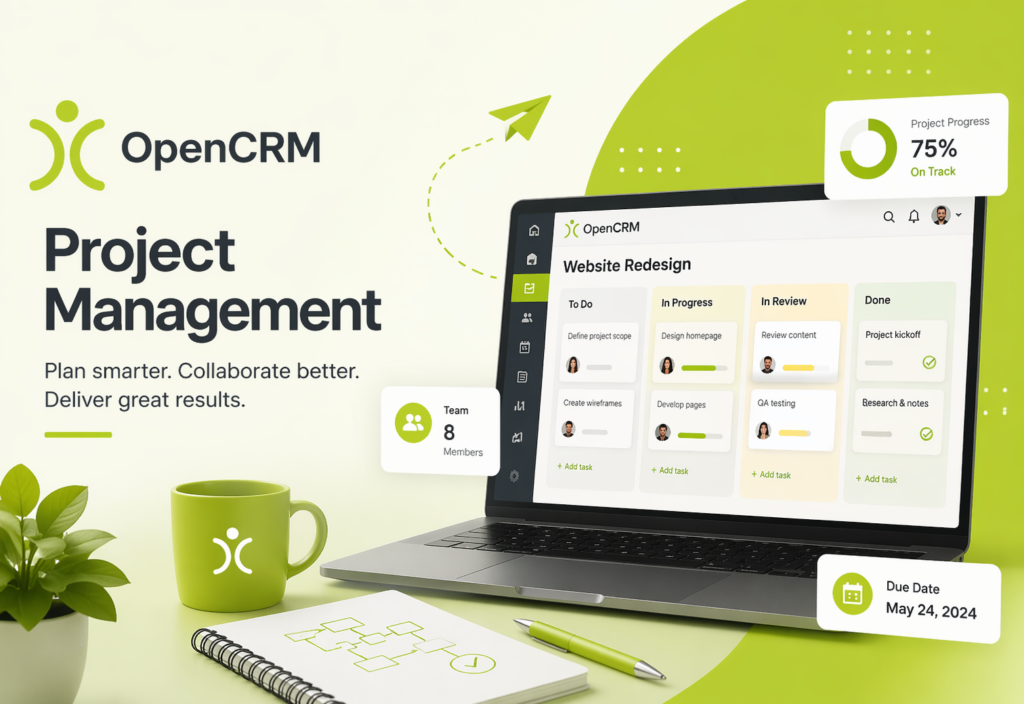
Visibility is the foundation of any successful delivery. You can use visual Kanban boards to manage the flow of tasks across your team, moving items from ‘In Progress’ to ‘Completed’ with a simple drag-and-drop interface. This layout makes it easy to see who is overstretched and where resources need to be reallocated. You can customise your columns to match your specific business terminology, ensuring the system reflects your unique workflow rather than forcing you to change your behaviour.
Communication and Document Management
Miscommunication is often the biggest risk to a project’s timeline. OpenCRM solves this by linking emails directly to projects, ensuring that every team member can see the latest client feedback or internal update. You can also store project-specific documents and PDF templates directly within the project record, creating a central hub for all relevant files. If you need to keep your clients updated on the move, you can even use SMS notifications to alert linked contacts when specific milestones are reached. It’s these small details that build a sense of security and trust with your customers.
Financial Integration: From Project to Invoice
One of the most powerful aspects of the system is how project data flows into inventory management and sales orders. You can monitor actual versus estimated effort on every task using built-in time-tracking capabilities. This data isn’t just for reporting; you can link these tracked hours directly to invoices for accurate client billing. Because the system integrates with UK accounting favourites like Xero and Sage, your bookkeeping remains seamless and error-free. If you want to see how these features can transform your delivery, you might want to explore the full range of OpenCRM features in more detail.
Finally, the reporting engine provides a high-level view of project health and team capacity. You can quickly generate reports that highlight overall profitability, helping you understand which types of projects are most beneficial for your business. This data-driven approach within OpenCRM for project management allows you to make informed decisions about future projects based on real-world performance rather than guesswork.
CRM vs. Dedicated PM Tools: Why Integration Wins
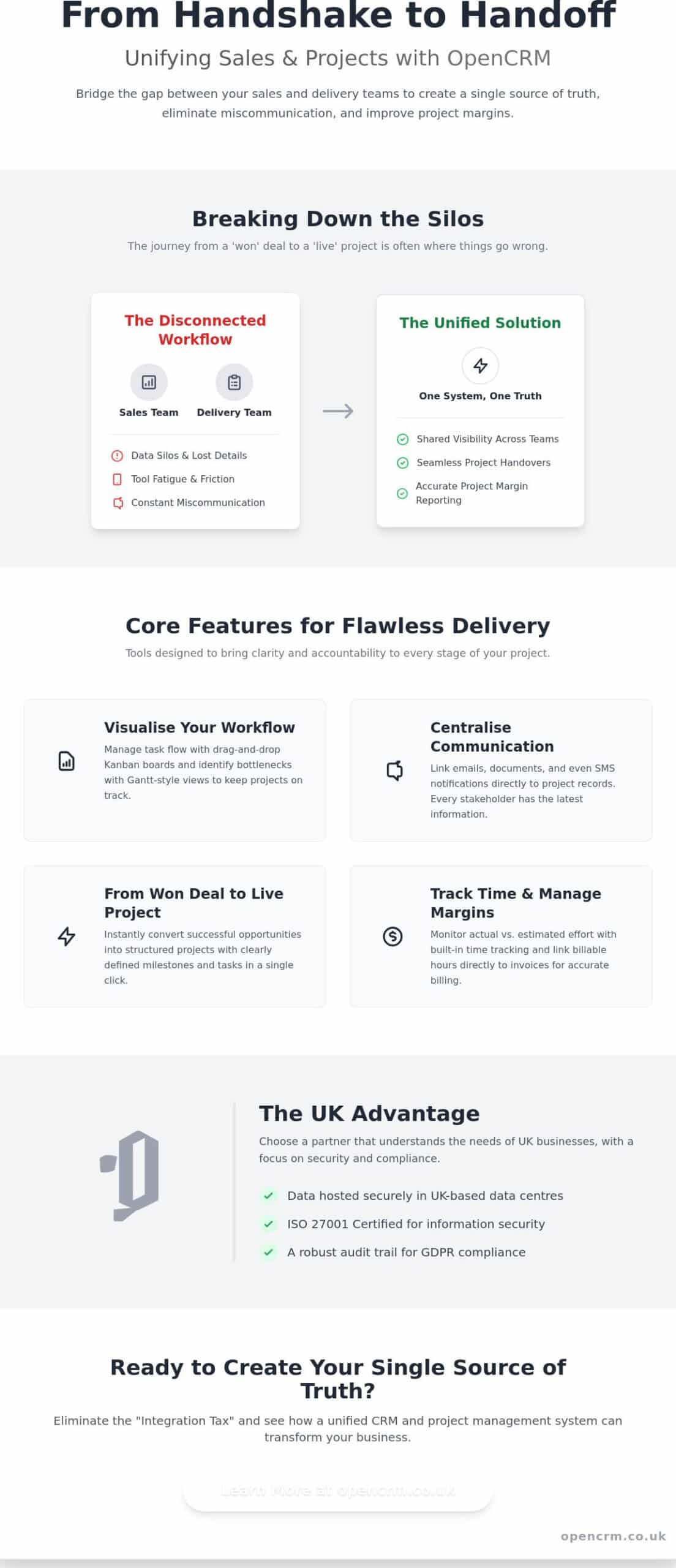
Choosing between a dedicated project management tool and an integrated solution is a common crossroads for many business owners. Whilst standalone tools often boast niche features, they frequently introduce a hidden cost known as the “Integration Tax.” This isn’t just about the combined price of multiple software subscriptions; it’s the tangible loss of productivity that occurs when your team has to jump between apps to find a single piece of information. Using OpenCRM for project management removes this friction by keeping your delivery tools in the same space as your customer data.
Real-time visibility is perhaps the greatest advantage of an integrated approach. In many businesses, the sales team feels disconnected from the project once the deal is won. With a unified system, your account managers can see exactly how a project is progressing without needing to pester your delivery leads for a status update. This transparency ensures that everyone is on the same page, leading to better data integrity and a more professional experience for your clients. Because there is no manual copying of details from one system to another, the risk of human error is significantly reduced.
Ending the ‘Silo Mentality’
A shared platform naturally encourages collaboration across your sales, support, and delivery teams. It provides a “single centre” for your business operations, which helps your staff feel more connected to the wider company goals. In a UK SMB context, silo mentality often manifests as the sales team celebrating a win whilst the delivery team remains unaware of the specific promises made; integrated software solves this by providing a shared window into the customer journey from the very first lead. This unified view builds a culture of accountability and shared success.
Cost-Effectiveness for Growing Teams
Scaling your business should not mean a more complicated software bill. When you compare the per-user pricing of an all-in-one solution to a “stack” of different apps, the financial benefit is clear. You also reduce the IT overhead of managing multiple API connections or paying for third-party automation services just to keep your tools talking to each other. By choosing OpenCRM for project management, you can grow your team and increase your project volume without adding layers of technical complexity that often slow down a growing business. Training also becomes much simpler, as your staff only need to master one interface to manage their entire workday.
How to Organise Your First Project in OpenCRM
Starting a new project shouldn’t feel like you are starting from a blank slate. When you use OpenCRM for project management, the process begins the moment your sales team celebrates a win. You can convert a successful Opportunity or eSigned Sales Order into a live Project with just a few clicks, ensuring that all the momentum from the sales cycle carries directly into the delivery phase. This simple transition prevents the “information drop” that often occurs when a client is handed over between departments.
Step 1: The Handover from Sales
The first step in a successful project is ensuring the delivery team has everything they need. By linking the original Quote to the new Project record, you set clear expectations from day one. You can ensure all relevant discovery notes and client requirements are attached, so your project leads don’t have to ask the customer to repeat themselves. If your business delivers recurring services, you can automate this even further by using standard project task templates. These templates pre-populate your milestones and tasks, giving you a consistent framework for every implementation you undertake.
Step 2: Managing the Daily Workflow
Once the project is live, the focus shifts to execution and transparency. You can use activity management to track every daily task, phone call, and meeting associated with the project. We encourage team members to log their time against specific milestones as they work. This habit provides the data you need to monitor actual effort versus your initial estimates. It also allows you to adjust timelines whilst maintaining a clear view of the final delivery date. If you’re ready to see how this workflow fits your specific team structure, you can contact our UK-based team to discuss your requirements.
To keep everyone informed without manual effort, you can set up automated Email Plans. These trigger notifications to internal staff or external clients when a milestone is reached or a task is completed. You can then monitor the ‘Project Pulse’ through custom dashboards and real-time reports, giving you an instant overview of which projects are on track and which might need extra attention. Finally, as the work concludes, you can close the loop by moving the project into ongoing helpdesk support, ensuring your client remains supported long after the initial delivery is finished.
The UK Advantage: Why OpenCRM is the Right Choice
Selecting the right platform for your business involves looking beyond a simple feature list. It’s about understanding where your data lives and knowing exactly who is on the other end of the phone when you need guidance. When you choose OpenCRM for project management, you’re aligning your business with a partner that understands the specific regulatory and operational landscape of the United Kingdom. This local focus ensures that your software remains a stable foundation for growth rather than a source of administrative complexity.
Security and Data Residency
UK businesses are increasingly prioritising data sovereignty, and for good reason. Using a local SaaS provider ensures that your sensitive project data stays within the jurisdiction, which is a significant advantage for meeting your own clients’ strict security requirements. All your information is stored in AWS ISO27001 certified, Tier 3 [1] UK data centres, providing a level of physical and digital protection that global competitors often struggle to match. This commitment to local residency is backed by full GDPR compliance, which is baked into the platform’s architecture and security protocols. You can operate with total peace of mind, knowing that your intellectual property and client details are handled with the highest level of integrity.
A Partner, Not Just a Provider
We believe in a “Trusted Ally” approach to software. This means you have direct access to a UK-based support team that understands the nuances of local business challenges. Whether you’re navigating a complex implementation or simply need advice on a new workflow, our team provides relevant, human-centric support that leads to faster resolution times. This isn’t a distant corporate relationship; it’s a partnership focused on your long-term stability. Because we offer transparent, no-contract pricing, we respect the financial needs of growing UK SMBs, allowing you to scale your operations without being locked into restrictive long-term commitments.
Ultimately, OpenCRM for project management provides more than just a set of tools. It offers a secure, reliable, and transparent environment where your sales and delivery teams can thrive together. By centralising your operations within a system that respects UK data standards and offers local expertise, you’re investing in the future stability of your business. It’s a straightforward approach to technology that puts your needs, your security, and your success at the very centre of the experience.
Transform Your Service Delivery Today
Bridging the gap between your sales and delivery teams is more than just a workflow improvement; it’s a commitment to your business’s long-term stability and client satisfaction. By moving away from disjointed tools and embracing OpenCRM for project management, you can eliminate the administrative friction that often slows down a growing company. You’ve seen how a single source of truth allows for better visibility on project margins whilst ensuring that every promise made during the sales cycle is kept during implementation.
With our UK-based data residency and dedicated local support, you can focus on delivery with total peace of mind. Our platform offers seamless integration with Microsoft 365 and Xero, ensuring your existing ecosystem remains connected. Because we don’t believe in long-term contracts, you remain in control of your software journey at every stage. We’re here to help you turn every successful lead into a perfectly executed project that builds lasting trust with your customers. Book a live demo to see OpenCRM for project management in action and take the first step towards a more unified future.
Frequently Asked Questions
Can I track time against specific tasks in OpenCRM?
Yes, you can log time directly against individual tasks and activities within the system. This feature helps you compare the actual hours spent on a job against your initial estimates, which is vital for maintaining accurate project margins. Because this data is integrated, you can also pull these tracked hours directly into reports to analyse every minute of work.
Can I link my project management to my Xero or Sage account?
Yes, you can connect your financial data to popular UK accounting software including Xero and Sage. This integration ensures that your financial information flows seamlessly from the project stage through to your final bookkeeping. By linking these systems, you reduce the need for manual data entry and ensure that your project costs and revenues are always accurately reflected in your main accounts.
Is it possible to automate client updates when a project milestone is reached?
Yes, it is possible to set up automated Email Plans or SMS notifications that trigger whenever a specific milestone is reached. This automation keeps your clients informed of their project’s progress without requiring manual intervention from your delivery team. It’s a simple way to build trust and maintain transparency whilst allowing your staff to stay focused on their core tasks.
How does OpenCRM handle project document storage?
Every project record includes a dedicated area for storing relevant documents, spreadsheets, and PDF templates. With 2TB of file storage included in your subscription, you have plenty of space to keep all project-specific files in one central, secure location. This ensures that your team always has access to the latest version of a brief or contract without having to search through external drives or email threads.
Can I restrict user access to certain projects for security reasons?
Yes, you can use permission-based settings to restrict user access to specific projects or sensitive data fields. This level of control is essential for UK businesses that handle confidential information or work with multiple contractors who should only see the projects they are assigned to. It ensures your OpenCRM for project management setup remains secure and compliant with your internal data protection policies.
What happens to my project data if I decide to cancel my subscription?
Your data remains your property, and you can export your records from the system at any time before ending your subscription. Since we operate on a transparent, no-contract basis, you aren’t locked into a long-term commitment. We recommend performing a full data export to ensure you have a local copy of your project history and contact details for your own records before the account is closed.
Is there a limit to the number of projects I can manage in OpenCRM?
There is no fixed limit to the number of projects, tasks, or milestones you can manage within the platform. The system is designed to scale with your business, whether you are handling a handful of implementation jobs or managing hundreds of active service contracts simultan“AWS don’t badge their data centres with a formal Tier rating, but they are engineered to Tier III standards as a minimum. In reality, availability comes from spreading systems across multiple independent data centres (Availability Zones), rather than relying on a single facility rating.”eously. You can continue to add records as your business grows without worrying about hitting an arbitrary cap on your project volume.
[1] “AWS don’t badge their data centres with a formal Tier rating, but they are engineered to Tier III standards as a minimum. In reality, availability comes from spreading systems across multiple independent data centres (Availability Zones), rather than relying on a single facility rating.”