
How many times has your delivery team inherited a project only to find that the most crucial details never actually made it out of the sales department? It’s a frustrating reality for many growing firms where sales and delivery operate as two separate worlds, but using OpenCRM for project management can help you bridge that gap.
We understand that you need a reliable partner to help you maintain visibility from the first handshake to the final deliverable. This article will show you how to create a single source of truth for your entire team, ensuring every project starts with total clarity.
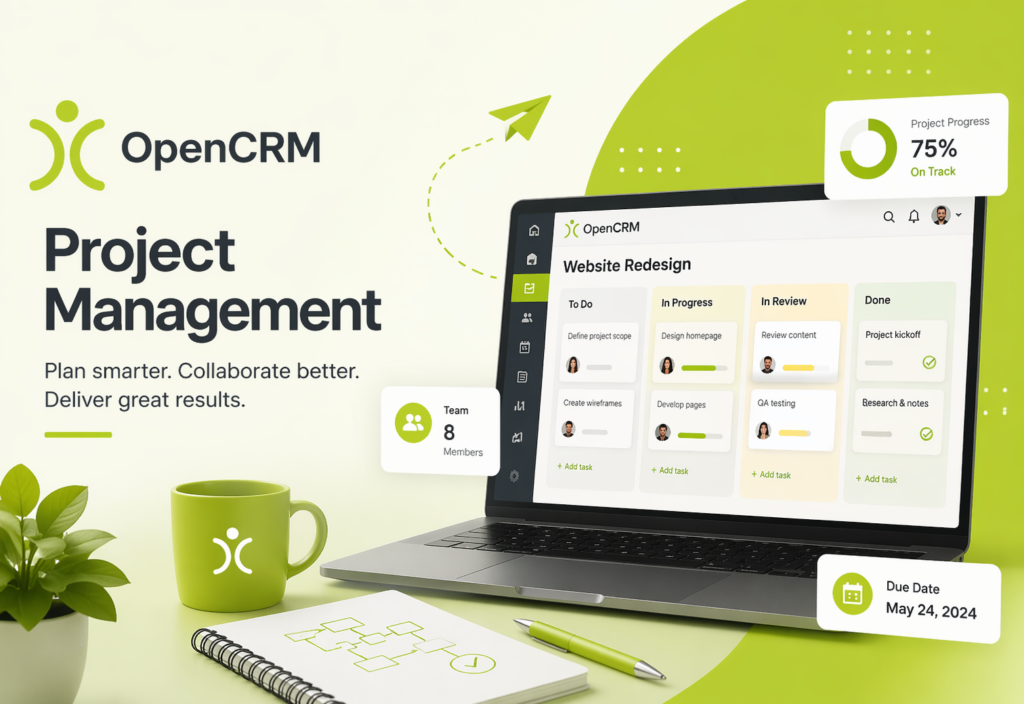
- Eliminate the “Integration Tax” by centralising your sales and delivery workflows within a single, secure platform.
- Visual Kanban boards and automated email linking keep your team perfectly aligned.
- Convert successful opportunities into live projects with clearly defined milestones and tasks.
- Real-time visibility into project status reduces internal miscommunication and improves project margins.
- Your project data is hosted in local, ISO27001 certified UK data centres.
What is OpenCRM for Project Management?
At its heart, OpenCRM for project management is a comprehensive module designed to take the baton from your sales team and carry it through to successful completion. By centralising tasks, milestones, and client communications, you can retire those disconnected third-party tools that often lead to data silos.
The Core Philosophy: One System, One Truth
When project data sits right next to customer data, administrative friction simply disappears. Your delivery team won’t have to go hunting for the original brief because it’s already linked to the relevant opportunity, contact or company record.
Beyond Simple Task Lists
Successful delivery requires more than just a basic to-do list. With the new Organisation View feature, you can visualise how different contacts and companies within a project relate to one another in a clear, family-tree style chart.
Key Features of the OpenCRM Project Module
Building on the unified data structure, the specific tools within the system are what turn a plan into a reality — prioritising clarity and accountability at every stage.
Visualising Progress with Kanban
Use visual Kanban boards to manage the flow of tasks across your team, moving items from ‘In Progress’ to ‘Completed’ with a simple drag-and-drop interface. Customise columns to match your own business terminology.
Communication and Document Management
OpenCRM links emails directly to projects, so every team member can see the latest client feedback. Store project-specific documents and PDF templates directly within the project record, and use SMS notifications to alert contacts at key milestones.
Financial Integration: From Project to Invoice
Monitor actual versus estimated effort on every task using built-in time-tracking, and link tracked hours directly to invoices for accurate client billing — integrating with Xero and Sage to keep bookkeeping seamless.
CRM vs. Dedicated PM Tools: Why Integration Wins
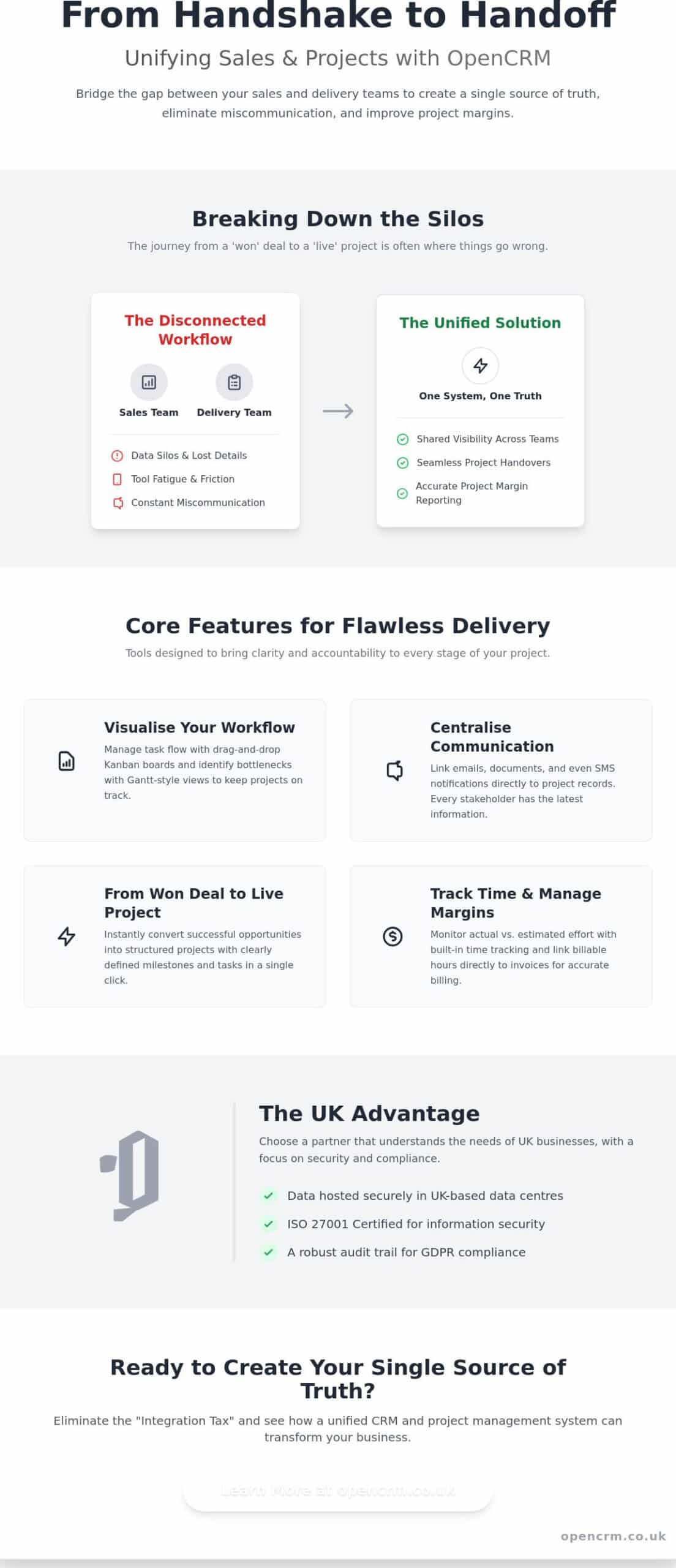
Whilst standalone tools often boast niche features, they frequently introduce a hidden cost known as the “Integration Tax” — the tangible loss of productivity that occurs when your team has to jump between apps to find a single piece of information.
Real-time visibility is perhaps the greatest advantage of an integrated approach — your account managers can see exactly how a project is progressing without needing to pester delivery leads.
Ending the “Silo Mentality”
A shared platform naturally encourages collaboration across your sales, support, and delivery teams, solving the common problem of sales celebrating a win whilst delivery remains unaware of the specific promises made.
Cost-Effectiveness for Growing Teams
When you compare the per-user pricing of an all-in-one solution to a “stack” of different apps, the financial benefit is clear — with less IT overhead managing multiple API connections.
How to Organise Your First Project in OpenCRM
Starting a new project shouldn’t feel like a blank slate. You can convert a successful Opportunity or eSigned Sales Order into a live Project with just a few clicks, carrying all the momentum of the sales cycle directly into delivery.
The Handover from Sales
By linking the original Quote to the new Project record, you set clear expectations from day one. If your business delivers recurring services, standard project task templates pre-populate your milestones and tasks for every implementation.
Managing the Daily Workflow
Use activity management to track every daily task, phone call, and meeting associated with the project. Log time against specific milestones, set up automated Email Plans, and monitor the “Project Pulse” through custom dashboards.
The UK Advantage: Why OpenCRM is the Right Choice
Selecting the right platform involves looking beyond a simple feature list — it’s about understanding where your data lives and knowing exactly who is on the other end of the phone when you need guidance.
Security and Data Residency
All your information is stored in AWS ISO27001 certified, Tier 3 UK data centres, backed by full GDPR compliance baked into the platform’s architecture.
A Partner, Not Just a Provider
You have direct access to a UK-based support team that understands the nuances of local business challenges — a partnership focused on your long-term stability, with transparent, no-contract pricing.
Transform Your Service Delivery Today
Bridging the gap between your sales and delivery teams is more than just a workflow improvement — it’s a commitment to your business’s long-term stability and client satisfaction.
With our UK-based data residency and dedicated local support, you can focus on delivery with total peace of mind, and seamless integration with Microsoft 365 and Xero.
Frequently Asked Questions
Can I track time against specific tasks in OpenCRM?
Yes, you can log time directly against individual tasks and activities within the system, helping you compare actual hours spent against your initial estimates — vital for maintaining accurate project margins.
Can I link my project management to my Xero or Sage account?
Yes, you can connect your financial data to Xero and Sage, ensuring financial information flows seamlessly from the project stage through to your final bookkeeping.
Is it possible to automate client updates when a project milestone is reached?
Yes — you can set up automated Email Plans or SMS notifications that trigger whenever a specific milestone is reached, keeping clients informed without manual intervention.
How does OpenCRM handle project document storage?
Every project record includes a dedicated area for storing documents, spreadsheets, and PDF templates, with 2TB of file storage included in your subscription.
Can I restrict user access to certain projects for security reasons?
Yes, you can use permission-based settings to restrict user access to specific projects or sensitive data fields — essential for businesses working with multiple contractors.
What happens to my project data if I decide to cancel my subscription?
Your data remains your property, and you can export your records at any time before ending your subscription — we operate on a transparent, no-contract basis.
Is there a limit to the number of projects I can manage in OpenCRM?
There is no fixed limit to the number of projects, tasks, or milestones you can manage — the system is designed to scale with your business.

Ready to bring structure to your team?
See how OpenCRM can fit around the way your team already works.
Start your free trial