
Any new system feels unfamiliar at first, and a CRM is no different. But once you know where the main pieces live and how they connect, getting around stops being something you think about at all. Here’s a quick tour of how navigation works in OpenCRM.
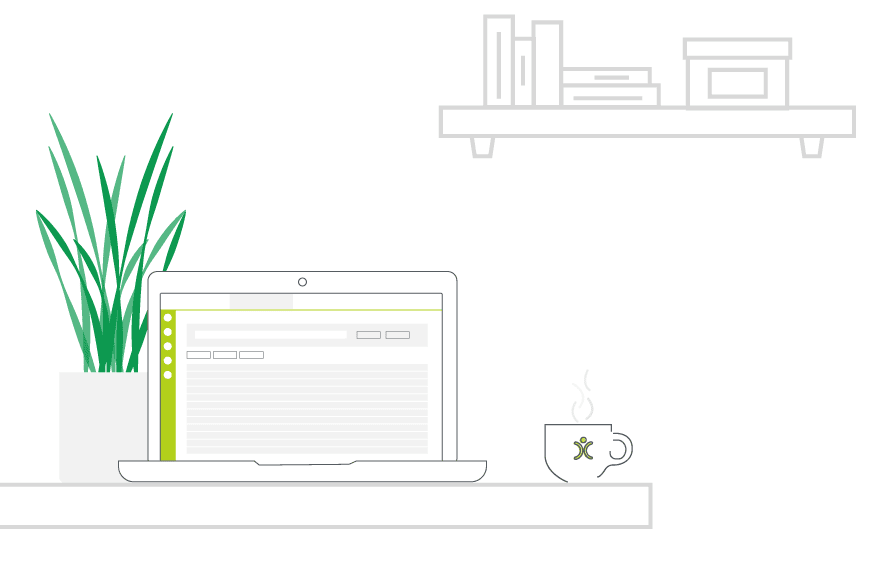
- The main menu groups everything by module — Contacts, Opportunities, Projects, Support and more.
- Every record follows the same layout, so once you know one, you know them all.
- Global search finds records by name, email or reference in seconds.
- Recently viewed records and favourites cut down on repeated navigation.
- A few minutes learning the layout saves far more time than it costs.
Modules & the Main Menu
OpenCRM is organised into modules — Contacts, Companies, Opportunities, Projects, Support Tickets and more — each accessible from the main menu. Which modules you see depends on how the system has been set up for your team, so your navigation is already tailored to what you actually use, not a generic one-size-fits-all list.
The Main Menu
This is your starting point for almost everything — a consistent list of modules down the side or across the top, depending on how your instance is configured.

Do we have what it takes?
We don’t restrict which features you have access to in OpenCRM based on how many users you have. You get everything right out of the box.
Find out more →Getting Around a Record
Once you’re inside a record — a contact, a company, an opportunity — the layout stays consistent. Key details sit at the top, related information (activities, notes, documents, linked records) sit in tabs or panels below. Learn the pattern once on any module and every other module follows the same logic.
Finding Things Fast
Rather than drilling down through menus to find a specific record, global search lets you jump straight to it by typing a name, email address or reference number. It’s usually the fastest way to get anywhere once you know roughly what you’re looking for.
Let us take you on a tour
Why not chat with one of our team as they take you on a tour of the system?
Find out more →Shortcuts Worth Learning
Recently viewed records and favourites both cut down on repeated navigation — if you’re working the same handful of accounts or projects day to day, pinning them means you’re never more than a click away.
Why It’s Worth Getting Comfortable
None of this is complicated once you’ve seen it — but a few minutes spent getting familiar with the layout pays back many times over in the weeks and months that follow, especially for anyone in the system daily.

Ready to see it for yourself?
Get hands-on with OpenCRM and see how quickly navigation becomes second nature.
Start your free trial