
Your CRM holds some of the most valuable information your business has — every customer, every conversation, every deal. Losing it isn’t just inconvenient, it can be genuinely damaging. Here’s how OpenCRM keeps that data safe behind the scenes.
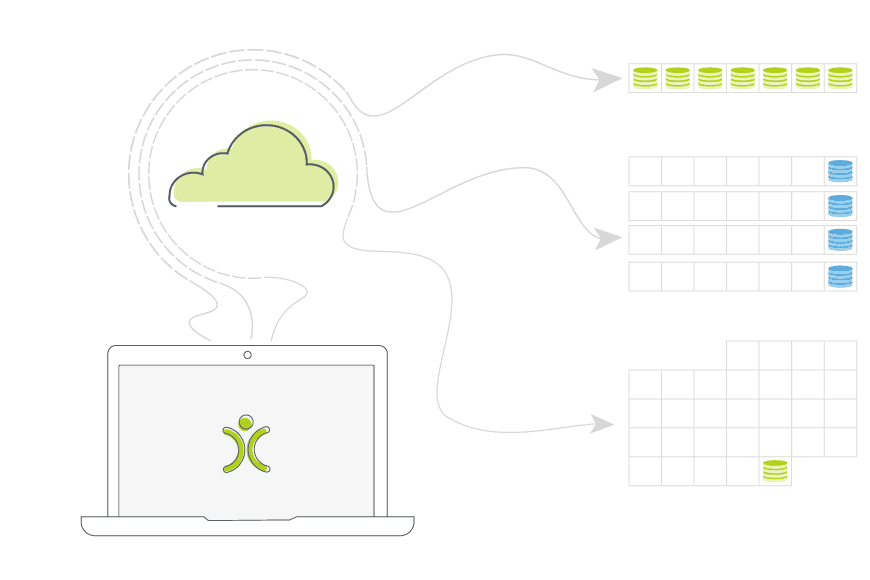
- Backups run automatically on a regular schedule — no one needs to remember to trigger them.
- Multiple recent backups are retained, not just the most recent one.
- Data is hosted and backed up within the UK, in line with UK data protection expectations.
- Restoring data is handled by the OpenCRM team, minimising the risk of a botched recovery.
- Backups protect against both accidental data loss and technical failure.
Automatic, Scheduled Backups
Backups in OpenCRM run automatically, on a set schedule, without anyone needing to remember to kick one off. This removes the single biggest risk with manual backup processes — someone simply forgetting to do it before the moment it was needed.
Backups Happen in the Background
Your day-to-day use of the system isn’t interrupted or slowed down by the backup process running behind the scenes.

Do we have what it takes?
We don’t restrict which features you have access to in OpenCRM based on how many users you have. You get everything right out of the box.
Find out more →How Long Backups Are Kept
A single backup isn’t enough — if something goes wrong and isn’t noticed immediately, you need the option to roll back further than just “yesterday”. Multiple recent backups are retained, giving a genuine safety net rather than a single point of recovery.
Restoring Your Data
If a restore is ever needed, it’s handled by the OpenCRM team rather than left to a self-service tool. That might sound slower, but it means a recovery is done carefully and correctly, rather than risking a rushed, partial restore that causes more problems than it solves.

Let us take you on a tour
Why not chat with one of our team as they take you on a tour of the system?
Find out more →Why This Matters
Data loss is rarely dramatic — it’s usually a quiet mistake, a bad import, or a technical fault nobody saw coming. Backups exist for exactly that moment: not the disasters you expect, but the ones you don’t. Knowing there’s a reliable process running in the background is one less thing to worry about.

Ready for peace of mind over your data?
See how OpenCRM keeps your business’s data safe, every day.
Start your free trial