
CRM Accounting Integration for UK Businesses
Most growing businesses reach a point where disconnected systems start getting in the way. Customer details sit in the CRM. Invoices are created in Xero or Sage. Changes need updating in multiple places, and staff spend time checking information, correcting mistakes and entering the same data twice.
Whether you’re using Xero, Sage or another accounting platform, integrating your CRM can remove much of that manual work and help create a more connected business.
It might work when you’re small, but as your business grows, manual processes become harder to manage. Integrating your CRM with your accounting software helps bring sales and finance together — customer records stay synchronised, invoicing becomes more efficient, and your team spends less time on administration and more time working with customers.
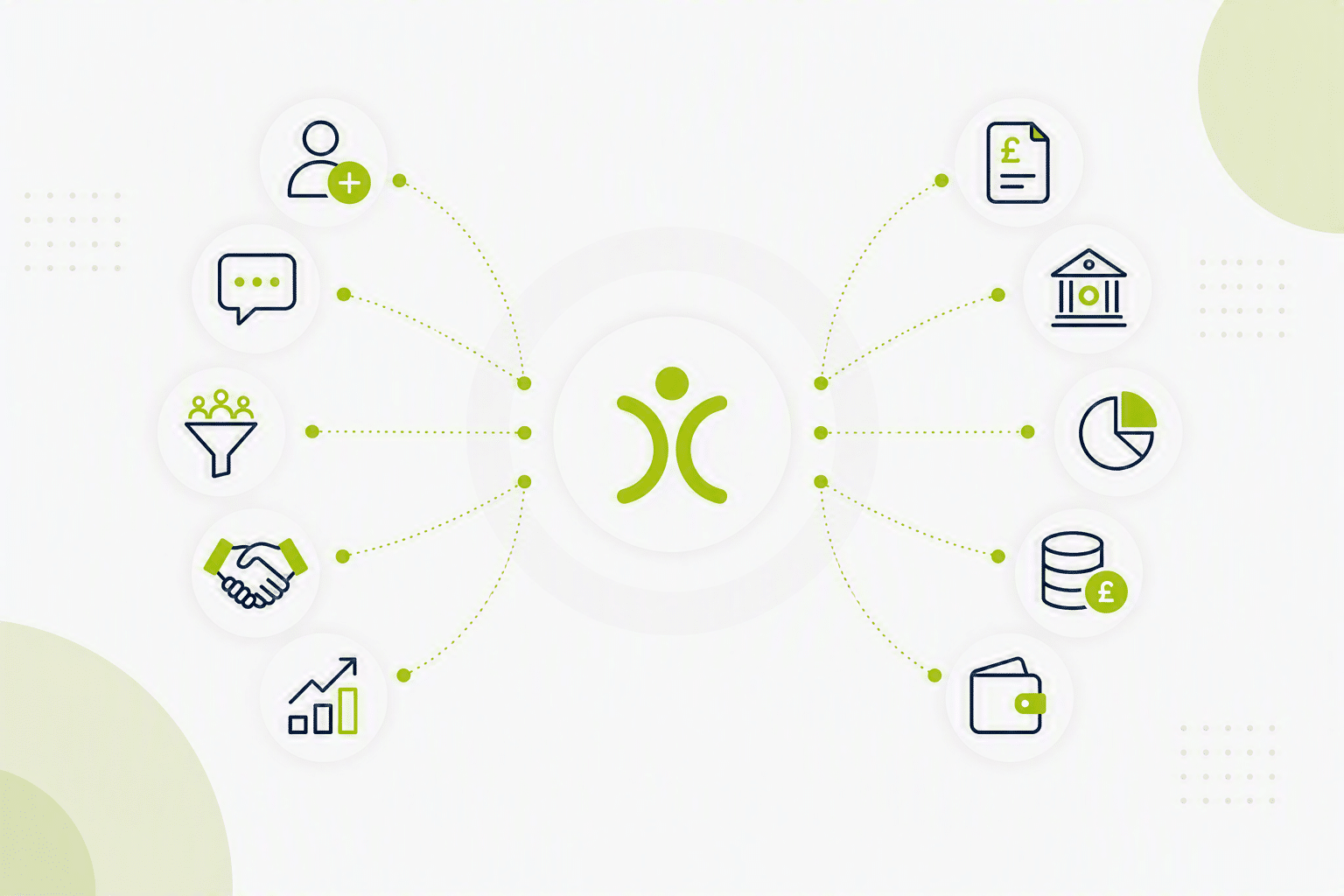
- Poor CRM accounting integration leads to duplicate data entry, errors and delays between a sale and an invoice being issued.
- Connecting your CRM to Xero or Sage lets customer details, invoices and financial data flow between systems automatically.
- Making Tax Digital adds another reason to keep records consistent and reduce manual handling.
- Look for scheduled synchronisation with manual sync on demand, Xero and Sage compatibility, UK-specific support, and genuine ease of use.
- OpenCRM integrates directly with Xero and Sage to connect your sales and finance processes.
Why Use CRM Accounting Integration?
Many businesses don’t realise how much time is lost to duplicate data entry until they start measuring it. Common challenges include:
- Creating the same customer record in multiple systems
- Manually creating invoices from customer orders, projects or completed work
- Different departments working from different information
- Errors caused by duplicate or outdated records
- Delays between a sale being agreed and an invoice being issued
- Limited visibility of payment status and account information
When your CRM and accounting software work together, information only needs to be entered once. Updates can be shared automatically across systems, helping reduce mistakes and improve efficiency.
Bringing Sales and Finance Together
Sales teams need visibility of customer activity. Finance teams need accurate billing information. Without integration, both departments often end up maintaining separate versions of the truth.
By connecting your CRM to systems such as Xero or Sage, you can create a more joined-up process where customer details, invoices and financial data flow between systems automatically. This means:
- Less manual administration
- Fewer data entry errors
- Faster invoice creation
- Better visibility across departments
- More accurate reporting
Integration also gives sales teams better visibility of customer account status. Before taking the next order or discussing a renewal, they can see whether invoices have been issued, paid or remain outstanding. This helps improve communication between departments and can support healthier cash flow management.
Most importantly, it creates a smoother experience for both your team and your customers.
Making Tax Digital Is Another Reason To Join The Dots
Most businesses integrate CRM and accounting systems because it saves time and improves efficiency. However, Making Tax Digital has added another important consideration.
HMRC’s move towards digital record keeping means businesses are under increasing pressure to maintain accurate financial records and robust processes. Manual spreadsheets, duplicate records and disconnected systems create more opportunities for mistakes and inconsistencies.
Whilst integrating your CRM won’t replace your accounting software’s Making Tax Digital responsibilities, it can help support cleaner processes by ensuring customer and financial information remains consistent across your business.
The less manual handling involved, the easier it becomes to maintain accurate records and a clear audit trail. For many organisations, this is now as much about good governance as it is operational efficiency.
What Should You Look For In A CRM Accounting Integration?
Not all integrations deliver the same benefits. When comparing solutions, consider the following.
Flexible Synchronisation When You Need It
Information is kept synchronised automatically between systems, reducing manual administration and helping teams work from consistent data. Where changes need to be reflected immediately, a manual sync can be triggered on demand, providing up-to-date information whenever required.
Xero and Sage Compatibility
These remain two of the most widely used accounting platforms amongst UK businesses. A well-designed integration should allow customer and financial information to move easily between systems without manual intervention.
Support For UK Business Requirements
VAT handling, GDPR compliance and UK-based support often matter just as much as technical features. Choosing a provider that understands the needs of UK businesses can make implementation and ongoing support much simpler.
Ease Of Use
The purpose of an integration is to simplify processes. Look for solutions that can be implemented and managed without requiring constant technical support or custom development work.
How OpenCRM Delivers CRM Accounting Integration With Xero And Sage
OpenCRM helps businesses connect customer management and financial processes through integrations with leading accounting platforms including Xero and Sage. By linking your systems, you can:
- Reduce duplicate data entry
- Create invoices more efficiently
- Improve accuracy across customer records
- Give sales and finance teams better visibility
- Support more consistent record keeping
As your business grows, having connected systems becomes increasingly important. Teams can work more efficiently, management gains better visibility, and customers benefit from a more professional experience. To see how these connections fit alongside your other systems, take a look at our full range of integrations.
Is CRM Accounting Integration Worth It?
For most businesses, the answer is straightforward. If your staff are manually transferring information between CRM and accounting systems, there is usually an opportunity to save time, reduce errors and improve visibility. The benefits often include:
- Faster invoicing
- Improved data accuracy
- Better communication between departments
- Reduced administration
- More reliable reporting
- Stronger support for digital record-keeping processes
Rather than managing customer information and financial information separately, integration creates a more connected way of working.
Frequently Asked Questions
Can OpenCRM integrate with Xero?
Yes. OpenCRM can integrate with Xero, helping keep customer information synchronised between your CRM and accounting software. This reduces duplicate data entry and helps ensure sales and finance teams are working from the same information.
Can OpenCRM integrate with Sage?
Yes. OpenCRM supports integration with Sage, allowing customer and financial data to flow between systems. This can help reduce administration, improve accuracy and streamline invoicing processes.
Why should I integrate my CRM with my accounting software?
Without integration, teams often enter the same information into multiple systems. This creates extra work and increases the risk of errors. Integration helps automate the flow of information between departments, saving time and improving accuracy.
Will integrating my CRM help with Making Tax Digital?
Making Tax Digital requirements are managed through your accounting software, but integration can support cleaner business processes. By reducing manual data handling and keeping records synchronised, many businesses find it easier to maintain accurate digital records and maintain a consistent audit trail.
Can I manage the customer journey from initial enquiry through to invoice?
Yes. OpenCRM can help you manage the complete process from first enquiry through to quotation, sales activity, customer onboarding and invoicing. By connecting your CRM with accounting software such as Xero or Sage, customer and billing information can move seamlessly between systems, reducing manual administration and improving data accuracy.
Is my data secure?
OpenCRM is UK-hosted and designed with security and data protection in mind. Integrations are designed to move information securely between systems whilst helping businesses maintain accurate records — see our security & data protection page for more detail.
How difficult is it to set up CRM accounting integration?
We have Xero, Sage 50 and Kernal integration, so these are straightforward — when managed by our team, you’ll be up and running quickly. For other accounting software, connecting via Zapier is a real option.
What information can be synchronised?
This varies depending on the integration, but commonly synchronised information includes customer records, contact details, company information, invoice data, account balances, payment status, billing addresses and VAT information.
Which accounting software can OpenCRM integrate with?
OpenCRM integrates directly with Xero, Sage 50 and Kernal. Other accounting systems can often be connected using Zapier or other integration tools. If you’re using a different accounts package, speak to our team and we’ll be happy to discuss the available options.
When should a business consider CRM accounting integration?
Most businesses begin looking at integration when they find themselves entering the same information into multiple systems. As transaction volumes increase, manual processes become harder to manage, errors become more common and staff spend more time on administration. Integration helps remove these bottlenecks and supports future growth.

Ready to stop entering the same information twice?
Book a demo to see how OpenCRM can help your team work from one connected system.
Book a demo